

Admin
 Jan 21, 2025
 Help
HelpTap here for a step-by-step video guide on how to select your product categories!
https://youtu.be/FBL9rFFYlN0
Open the MilkUp Vendor application on your mobile device. After logging in, navigate to the home screen.
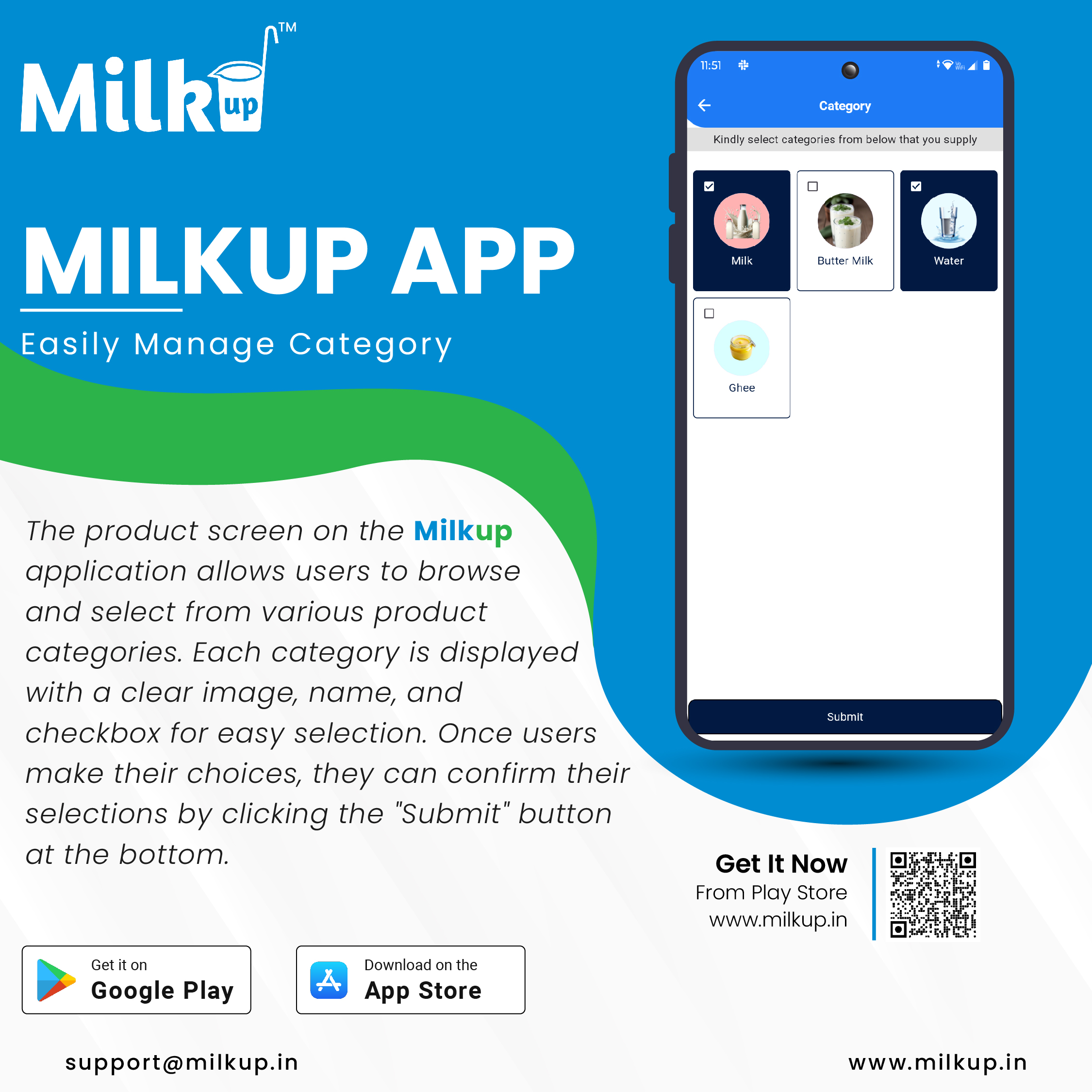
Tap on the Profile option, which is either in the top corner of the screen or within the menu. In the profile section, find the Category menu and click on it.
Once inside the Category menu, tap on the "+ Add New" or "Add" button. This button is usually displayed in the corner of the screen.
A new page will open where you need to fill in the following details:
After filling in all the details, tap the Save button. The category will now be added to your list.
Go back to the menu or open the category list to check the newly added category. If you find any mistakes, use the Edit option to make corrections.
Click here to Install
Milkup Vendor Application | https://play.google.com/store/apps/details?id=com.softwagon.milkup.vendor

Milkup Delivery Boy Application | https://play.google.com/store/apps/details?id=com.softwagon.milkup.deliveryboy
#DairySolutions #SmartCustomerCare #CustomerFirst #EffortlessBilling
#SubscriptionEase #MilkDeliveryMadeEasy #CustomerSatisfaction #SeamlessService #DairyMilk #MilkBusiness #DairyManagement #FarmToDoor #language #softwagon #softwagontech
Book a demo and our team will walk you through subscriptions, daily deliveries and monthly billing in the MilkUp app.
Powered by softwagon technologies Pvt. Ltd. ©2026 All Rights Reserved.


