

Admin
 Feb 3, 2025
 Help
HelpTap here for a step-by-step video guide on how to add customers!
https://youtu.be/ZVU44MjwiSw
First, open the MilkUp Vendor application and log in using your credentials.
After logging in, navigate to the main dashboard and click on the "Customer Management" or "Customers" option.
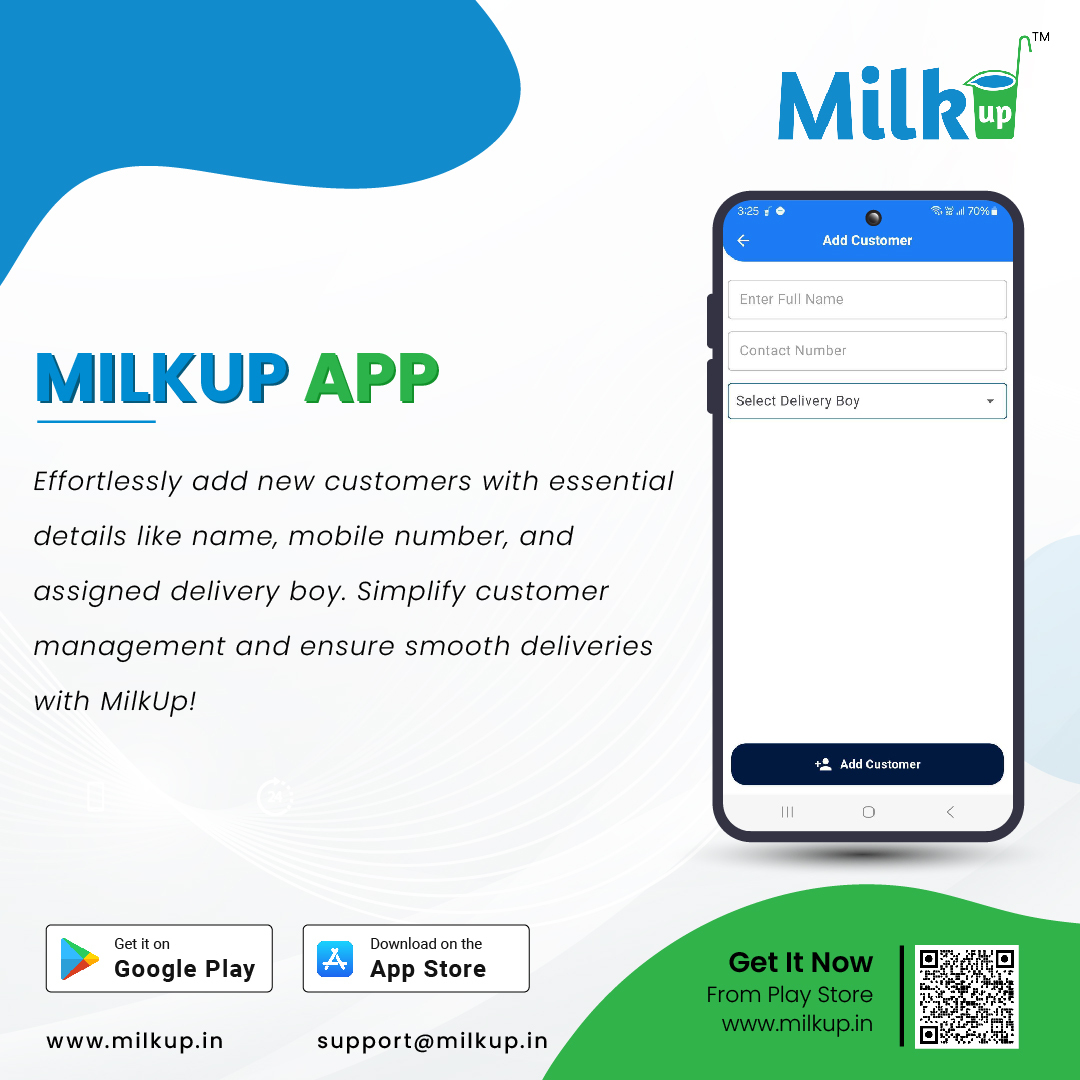
Now, click on the "Add Customer" button. This will open a new window where you can enter customer details.
Fill in the following details:
If needed, provide the customer’s email address and any other optional details.
After filling in all the information, click the "Complete" button. The customer will now be added to your list.
Once added, you can view the customer’s name and contact details in your list. You can also edit or update their information if needed.
Click here to Install
Milkup Vendor Application | https://play.google.com/store/apps/details?id=com.softwagon.milkup.vendor

Milkup Delivery Boy Application | https://play.google.com/store/apps/details?id=com.softwagon.milkup.deliveryboy
#DairySolutions #SmartCustomerCare #CustomerFirst #EffortlessBilling
#SubscriptionEase #MilkDeliveryMadeEasy #CustomerSatisfaction #SeamlessService #DairyMilk #MilkBusiness #DairyManagement #FarmToDoor #language #softwagon #softwagontech
Book a demo and our team will walk you through subscriptions, daily deliveries and monthly billing in the MilkUp app.
Powered by softwagon technologies Pvt. Ltd. ©2026 All Rights Reserved.


