

Admin
 Dec 23, 2024
 Milk
MilkWOpen the Application:
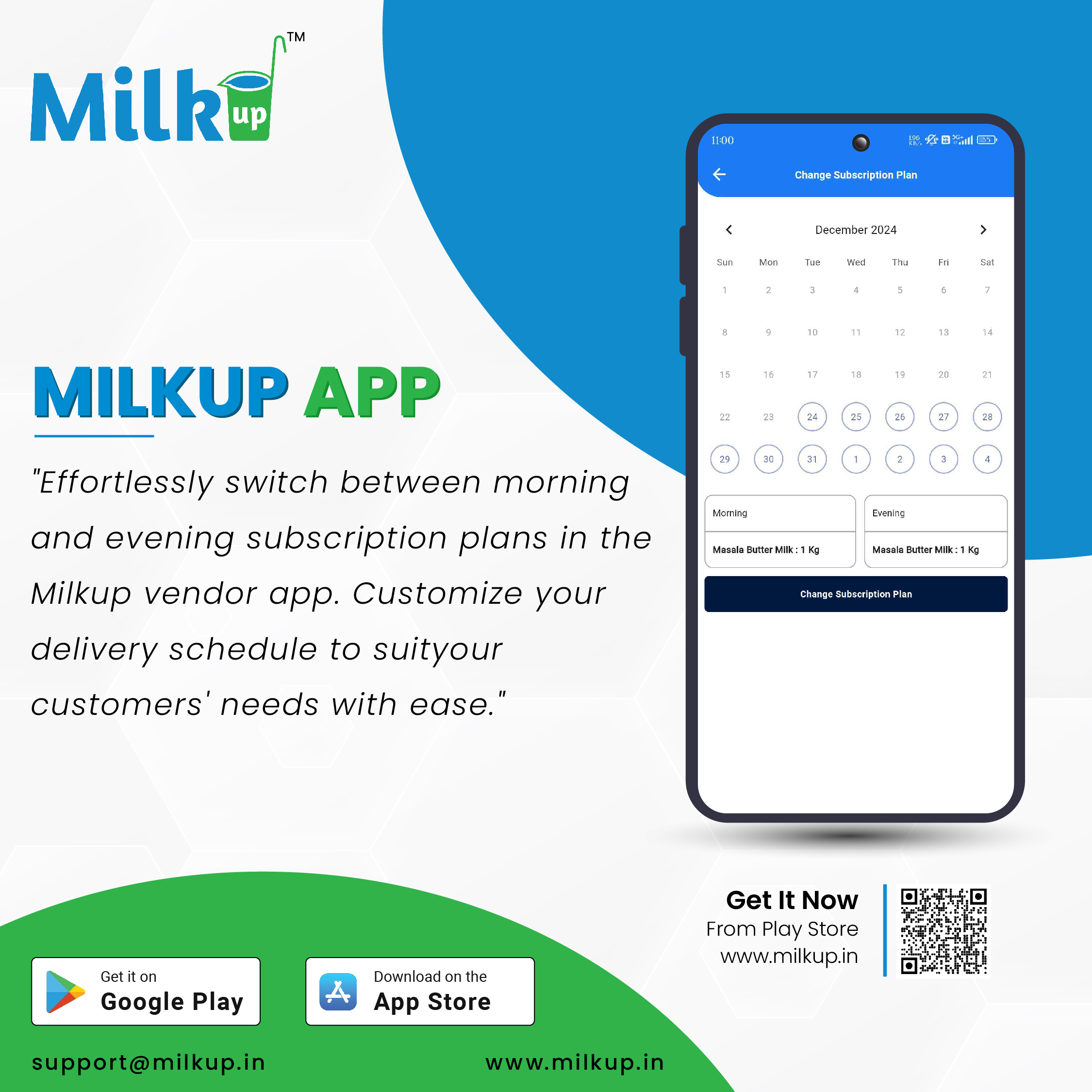
Launch the Milkup Vendor Application and log in with your registered account credentials.
Navigate to Profile Section:
From the home screen, click on the Profile menu option.
Select Subscription Plan:
In the profile menu, look for the Subscription Plan or Manage Plan option and tap on it.
View Available Plans:
You will see a list of available subscription plans with details like pricing, validity, and features included in each plan.
Choose Your Desired Plan:
Select the subscription plan that meets your business needs by tapping on the plan's details.
Confirm Your Selection:
Review the selected plan and click on the Change Plan or Upgrade button.
Complete Payment (If Applicable):
If the new plan requires payment, proceed to the payment gateway and complete the transaction using your preferred payment method.
Subscription Updated:
After successful payment, your subscription plan will be updated, and you will receive a confirmation notification.
Click here to Install

Milkup Vendor Application | https://play.google.com/store/apps/details?id=com.softwagon.milkup.vendor
Milkup Delivery Boy Application | https://play.google.com/store/apps/details?id=com.softwagon.milkup.deliveryboy
#DairySolutions #SmartCustomerCare #CustomerFirst #EffortlessBilling
#SubscriptionEase #MilkDeliveryMadeEasy #CustomerSatisfaction #SeamlessService #DairyMilk #MilkBusiness #DairyManagement #FarmToDoor #language #softwagon #softwagontech
Book a demo and our team will walk you through subscriptions, daily deliveries and monthly billing in the MilkUp app.
Powered by softwagon technologies Pvt. Ltd. ©2026 All Rights Reserved.


