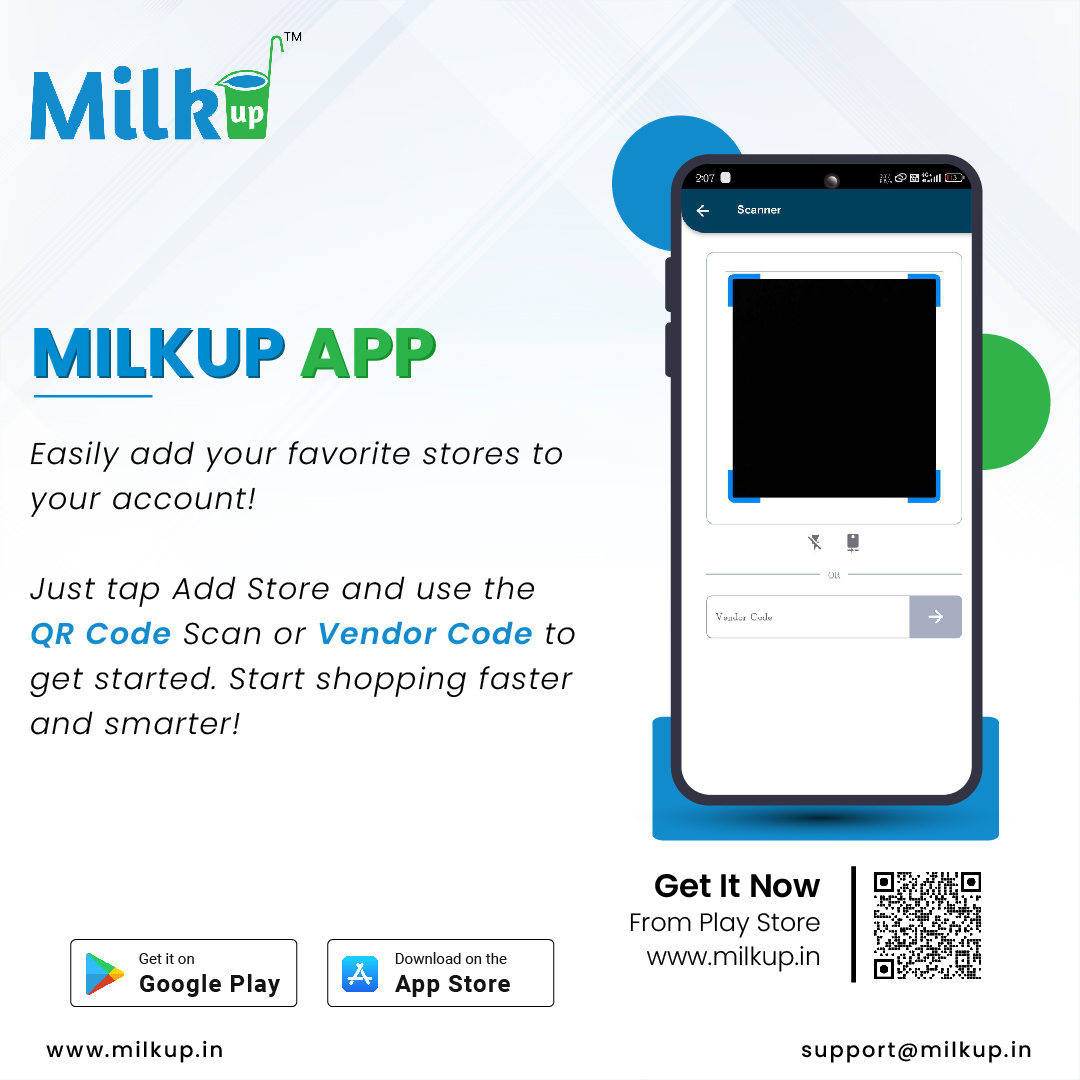
The MilkUp Customer Application allows users to add and manage stores seamlessly. Follow the detailed instructions below to add a new store:
Step 1: Log In to the MilkUp Application
- Open the MilkUp Customer Application on your device.
- Enter your registered credentials (username and password) to log in.
Step 2: Navigate to the Store Management Section
- After logging in, locate the Store Management or My Stores tab in the main menu.
- Click on the option to access the store settings.
Step 3: Add a New Store
- Click the Add Store button, typically located at the top or bottom of the Store Management page.
- A form will appear, prompting you to enter the store details.
Step 4: Fill in Store Details
Provide the following information accurately:
- Store Name: Enter the official name of the store.
- Store Address: Input the complete address, including street, city, state, and postal code.
- Contact Information: Add a valid phone number and email address.
- Operating Hours: Specify the store's working hours (e.g., 9:00 AM to 9:00 PM).
- Store Category: Select the type of store (e.g., grocery, dairy, or convenience store).
- Additional Details: Include any optional details, such as store description or special instructions.
Step 5: Upload Store Images (Optional)
- Click on the Upload Images option.
- Select and upload high-quality images of the store, such as the storefront or interiors.
- Ensure images meet the required format and size guidelines.
Step 6: Review and Save
- Double-check all entered details to ensure accuracy.
- Click the Save or Submit button to add the store to your profile.
Step 7: Confirmation and Verification
The store may undergo a verification process before being displayed in your profile.
Once saved, you will receive a confirmation message.
Click here to Install

Milkup Vendor Application | https://play.google.com/store/apps/details?id=com.softwagon.milkup.vendor
Milkup Delivery Boy Application | https://play.google.com/store/apps/details?id=com.softwagon.milkup.deliveryboy
#DairySolutions #SmartCustomerCare #CustomerFirst #EffortlessBilling
#SubscriptionEase #MilkDeliveryMadeEasy #CustomerSatisfaction #SeamlessService #DairyMilk #MilkBusiness #DairyManagement #FarmToDoor #language #softwagon #softwagontech
#DairySolutions #SmartCustomerCare #CustomerFirst #EffortlessBilling #SubscriptionEase #MilkDeliveryMadeEasy #CustomerSatisfaction #SeamlessService #DairyMilk #MilkBusiness #DairyManagement #FarmToDoor


 Jan 7, 2025
 Milk
Milk


