Importance and Description of Notifications in the MilkUp Application
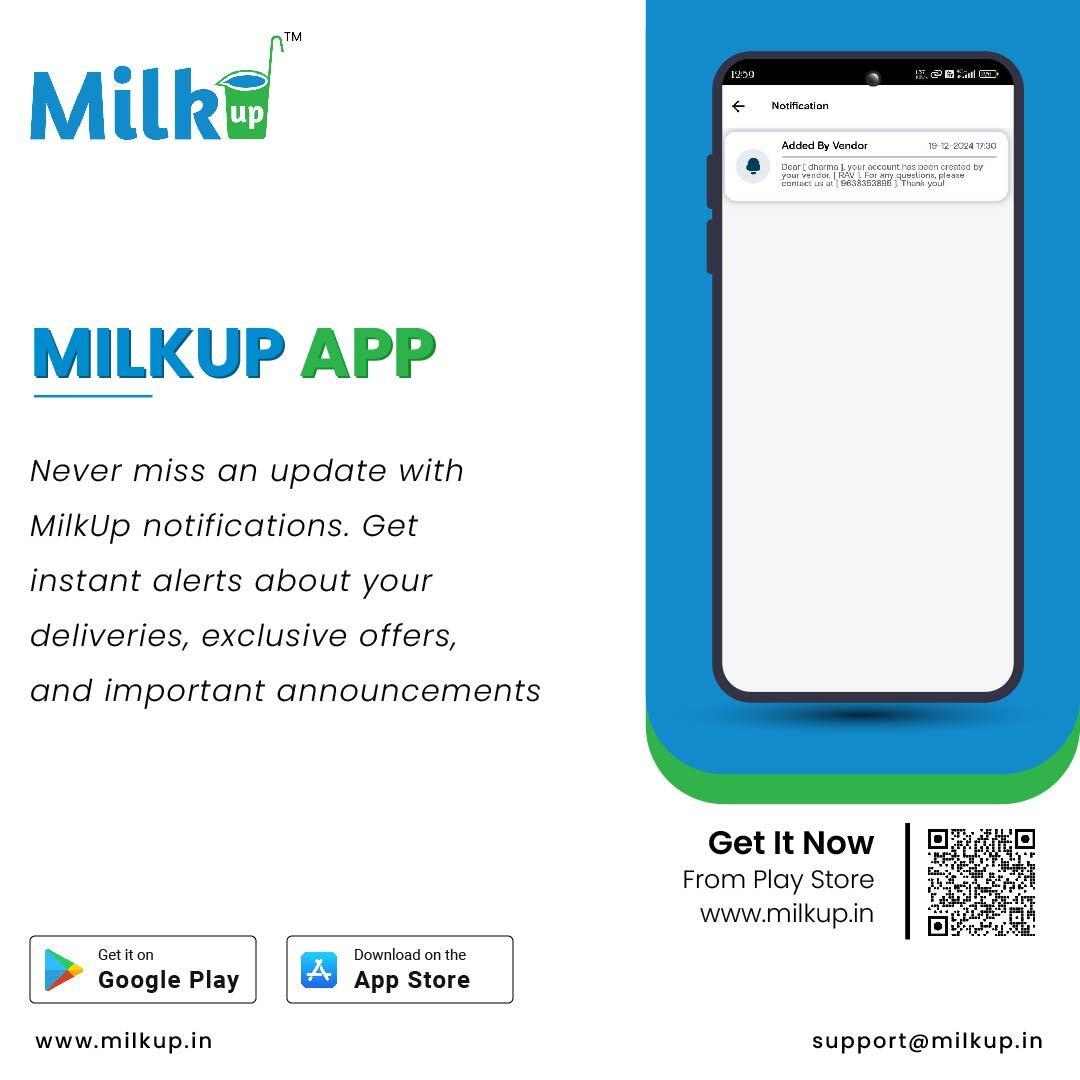
Types of Notifications
Order Updates
When a new order is placed or there is any change in the order status, users receive a notification.
Shipping and delivery information for orders is also shared via notifications.
Payment Reminders
If there is any pending payment or the payment due date is approaching, the app sends a payment reminder.
Notifications regarding pending payments and transaction statuses are also provided.
Subscription Renewal
Users receive renewal notifications when their subscription is close to expiring, allowing them to renew in time.
Notifications regarding subscription packages and their details are also sent.
Promotions and Offers
MilkUp notifies customers about special discounts, offers, and promotions.
Seasonal offers and information about new services are also communicated through notifications.
System or App Updates
Notifications about any updates or improvements made to the application are sent to users.
If new features are added or existing features are modified, users are informed through notifications.
How to Manage Notifications?
In the MilkUp application, users can customize their notification preferences:
Go to Settings: Navigate to the settings section of the app and select the notifications option. Users can enable or disable specific types of notifications according to their preference.
Email and SMS Notifications: Users can also choose to receive notifications via email or SMS by enabling those options.
Benefits of Notifications
Convenient Tracking: Through notifications, users can easily track their orders, payments, and other information without missing any updates.
Timely Information: Users receive real-time updates about their activities, keeping them informed.
Improved User Experience: Notifications ensure that users are aware of important events, enhancing their interaction with the app.


 Jan 13, 2025
 Milk
Milk


