

Admin
 Feb 3, 2025
 Help
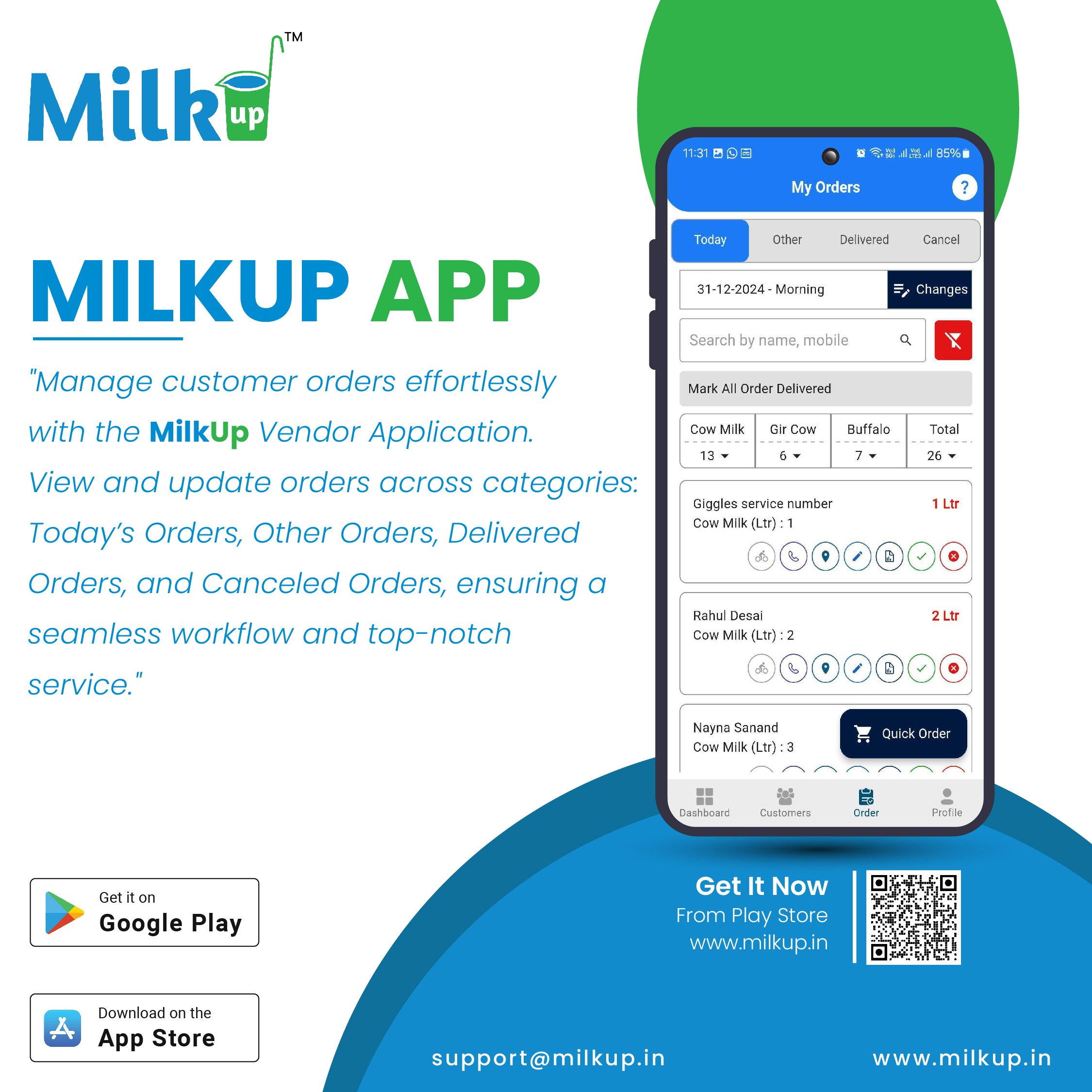
HelpCustomers place orders through the MilkUp application by selecting products, quantities, and delivery schedules.
After the order is placed, the vendor receives a notification in the "Orders" section of the application.
The vendor can view all the details of the order, including the customer's name, the list of products, quantity, delivery address, and time.
The vendor prepares the order based on the customer's requirements. The application may have an option to update the order status as "Processing" or "Packed."
The vendor can set a time for delivery or decide the delivery route.
Once the order is delivered, the vendor or delivery staff can mark the order as "Delivered."
The application manages payment details for prepaid, online, or cash payments and displays them in the vendor's account.
The vendor can view past orders, manage recurring orders, and generate sales reports.
Click here to Install
Milkup Vendor Application | https://play.google.com/store/apps/details?id=com.softwagon.milkup.vendor

Milkup Delivery Boy Application | https://play.google.com/store/apps/details?id=com.softwagon.milkup.deliveryboy
#DairySolutions #SmartCustomerCare #CustomerFirst #EffortlessBilling
#SubscriptionEase #MilkDeliveryMadeEasy #CustomerSatisfaction #SeamlessService #DairyMilk #MilkBusiness #DairyManagement #FarmToDoor #language #softwagon #softwagontech
Book a demo and our team will walk you through subscriptions, daily deliveries and monthly billing in the MilkUp app.
Powered by softwagon technologies Pvt. Ltd. ©2026 All Rights Reserved.


