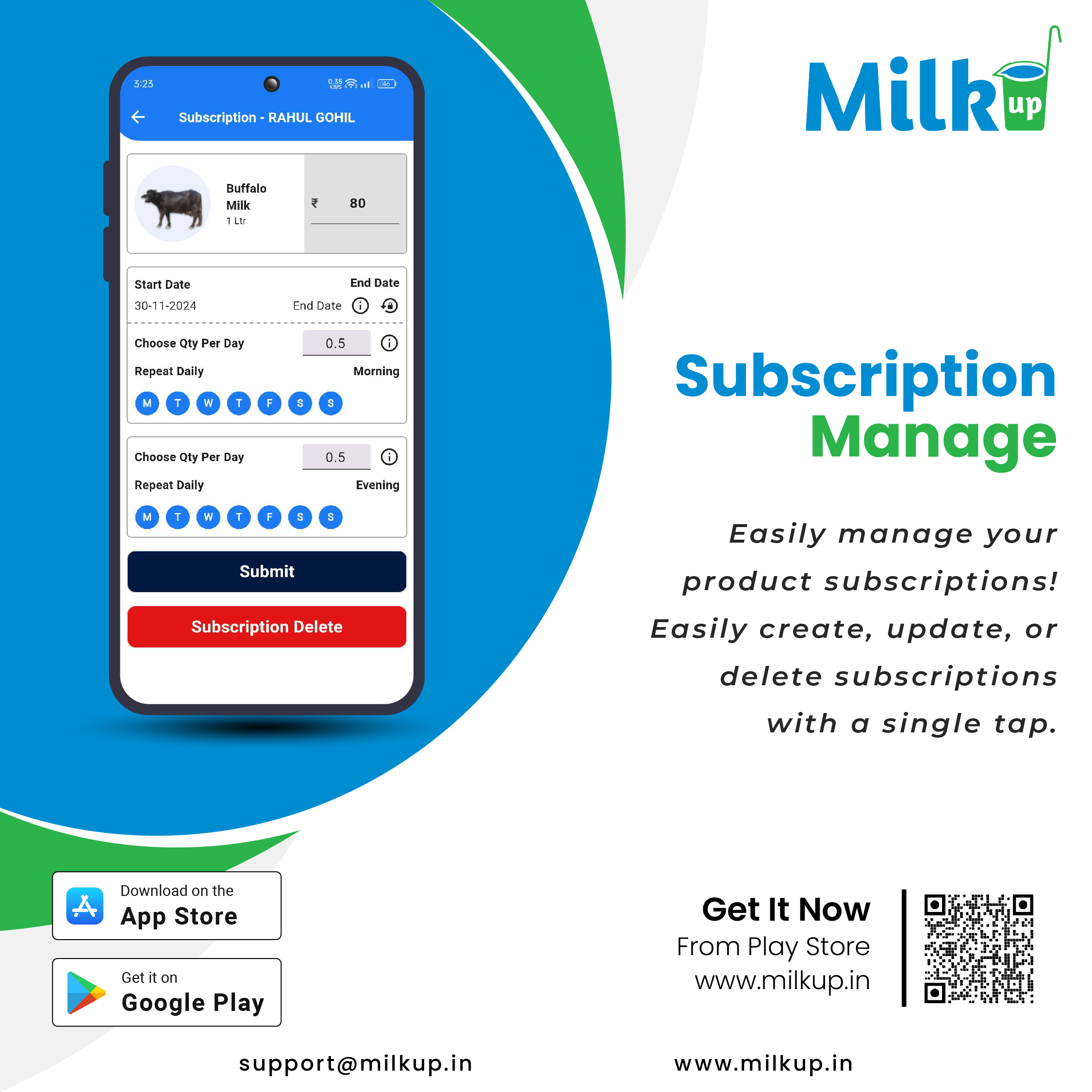
MilkUp App Subscription Manage
Features for Managing Subscriptions
Vendor Dashboard
- Overview of active, expired, and pending subscriptions.
- Metrics on customer subscriptions, such as total revenue, churn rate, and new subscriptions.
2. Subscription Plans
- Create/Modify Plans: Vendors can create new subscription tiers (e.g., daily, weekly, or monthly milk delivery plans).
- Pricing: Set custom prices for each subscription plan.
- Plan Benefits: Define volume, frequency, or other perks (e.g., discounts on bulk purchases).
3. Customer Management
- View all subscribers with detailed customer profiles.
- Edit customer details or update subscription preferences (e.g., changing delivery frequency or volume).
4. Payment Integration
- Auto Renewal: Enable or disable automatic subscription renewal.
- Payment Tracking: Monitor incoming payments and pending dues.
- Payment Methods: Support for multiple payment modes (credit cards, UPI, wallets, etc.).
5. Notifications
- Alerts: Send reminders for subscription renewals, payments, or delivery updates.
- Push Notifications: Inform customers about plan upgrades, offers, or delays.
6. Delivery Management
- Assign delivery schedules based on subscription plans.
- Update delivery statuses to maintain transparency.
7. Cancellation and Refunds
- Allow customers to cancel subscriptions through the app.
- Process refunds according to predefined policies.
8. Reports and Analytics
- Track overall subscription growth and trends.
- Access detailed reports on revenue from specific plans, regions, or customer segments.
Step-by-Step Subscription Management
1. Setting Up Plans
- Log in to the vendor panel.
- Navigate to the Subscription Plans section.
- Add new plans with details like name, duration, pricing, and delivery preferences.
- Save and publish the plan for customers to view.
2. Managing Subscribers
- Go to Customer Subscriptions.
- Filter customers by plan type, location, or status (active, pending, canceled).
- Select a customer to edit their plan or update their delivery preferences.
3. Payment Collection
- Use the Payments tab to view completed, pending, and failed transactions.
- For overdue payments, send automated reminders.
- Resolve disputes or payment issues via the support module.
4. Handling Cancellations
- Receive cancellation requests through the app.
- Verify the cancellation policy and initiate the refund if eligible.
- Notify the customer about the cancellation status.
5. Reports
- Access the Analytics tab to download monthly or custom-period reports.
- Use insights to adjust pricing or improve customer retention strategies.
Additional Considerations
- User-Friendly Interface: Ensure the app provides an intuitive experience for vendors to navigate and manage subscriptions easily.
- Security: Implement secure payment gateways and data encryption to protect sensitive information.
- Support System: Provide vendors with a robust helpdesk or FAQ section to resolve issues quickly.
Click here to Install

Milkup Vendor Application | https://play.google.com/store/apps/details?id=com.softwagon.milkup.vendor
Milkup Delivery Boy Application | https://play.google.com/store/apps/details?id=com.softwagon.milkup.deliveryboy
#VendorManagement #ProductSupplies #MilkupApp #InventoryManagement MilkUpVendorApp #PaymentManagement #DairyBusinessSolutions #SeamlessOperations #SmartBilling
#VendorManagement #ProductSupplies #MilkupApp #InventoryManagement #PaymentManagement #DairyBusinessSolutions #SeamlessOperations #SmartBilling


 Nov 29, 2024
 Milk
Milk


